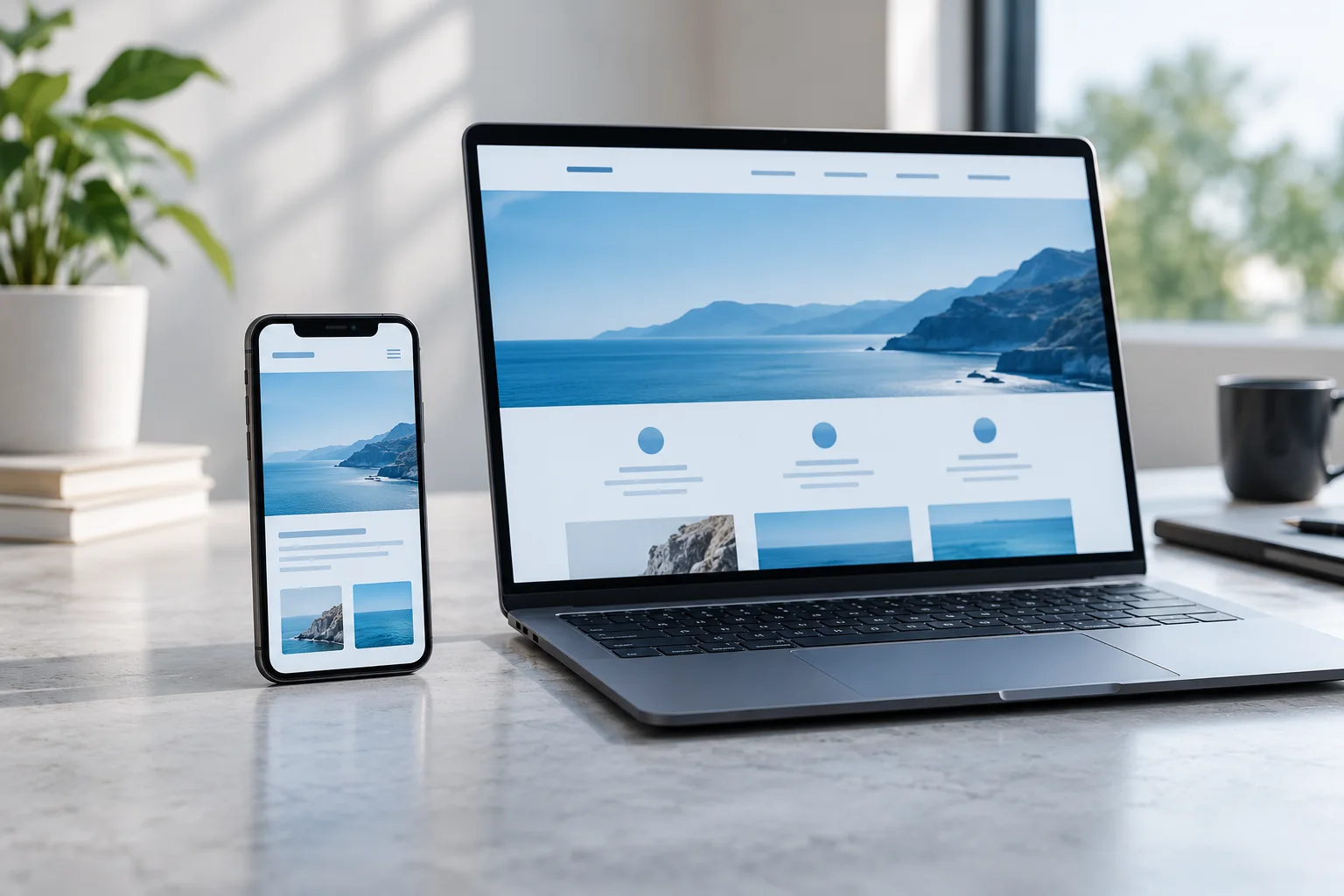

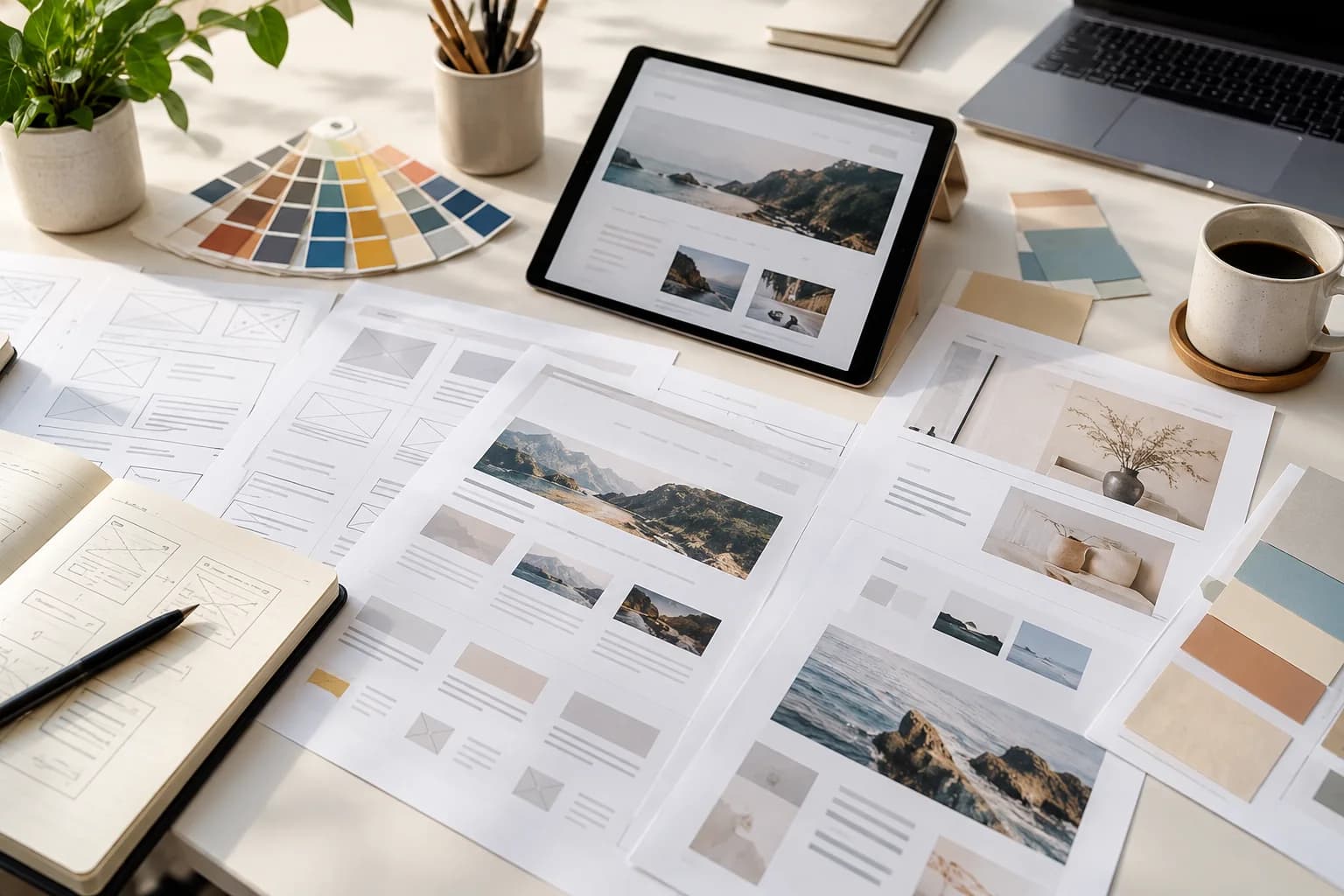
A redesign should solve a defined problem, not simply make an older website look different. Before replacing pages or choosing a new layout, establish what already works and what makes the current experience difficult. A short evidence-led review helps protect useful content and directs the budget towards changes that matter.
Inventory the existing website
List the current pages, their purpose, owner, and proposed action: keep, improve, combine, or retire. Include campaign landing pages, downloads, forms, and pages that may not appear in the main navigation. Ask sales and support which links they regularly share. A page with modest traffic may still be essential to an important customer task, so avoid deciding its future from traffic volume alone.
Separate symptoms from causes
An outdated appearance may coexist with deeper issues such as unclear services, missing information, slow media, or an enquiry form that sends requests to the wrong place. Describe each issue as an observable problem. For example, replace “the service page is weak” with “visitors cannot tell which services apply to their situation.” This makes it possible to judge whether a proposed change actually helps.
Map old addresses to new destinations
When a useful page moves, plan a relevant destination for its old address and have the development team implement and verify the appropriate redirect. Avoid sending every removed page to the home page regardless of context. Update internal links, navigation, and important campaign destinations too. A launch checklist should include direct visits to old URLs, not only clicks through the new menu.
Test realistic tasks before approval
Review the redesign with tasks rather than a tour of screenshots. Ask someone to find a service, understand its scope, locate contact details, and submit a test enquiry. Try a narrow screen, keyboard navigation, and a slower connection. Check that important text remains readable and that buttons explain their action. Capture the points where people hesitate; those observations are more useful than a general request for feedback.
- Review navigation and page headings.
- Check forms, messages, downloads, and important links.
- Verify content approvals and image usage.
- Confirm backups and a practical rollback plan.
Make the first review part of the project
Agree who will watch for broken links, delivery failures, confusing content, and unusual changes in enquiries after launch. Compare relevant periods and account for campaigns or seasonal differences before drawing conclusions. Keep a record of changes and their intended outcomes. A redesign is easier to improve when its decisions and remaining questions are visible to the people maintaining it.
Keep the page inventory, redirect map, acceptance checklist, and post-launch owner together. They make the handover more useful than a folder of design files alone.
See how our web design & development service can help